What to Look for When Buying a Drone
When deciding what to look for when buying a drone, start with the job you want it to do and check whether its weight is 0.55 lb (250 g) or less, which is exempt from registration only under the U.S. recreational exception. Choose features for your usual flights, since the longest spec sheet may add trade-offs you don’t need.
What to look for when buying a drone?
Quick answer: Start with the job you need the drone to do, then compare the camera, flight features, battery setup, controller, and packed size against that use. For U.S. recreational flying, check the weight: drones at 0.55 lb (250 g) or less are exempt from registration only under the recreational exception. Before you buy, confirm the exact bundle and check the rules for where you plan to fly.
- Casual flying: Check for beginner-friendly controls, stable hovering, GPS positioning, obstacle sensing, and Return-to-Home; confirm sensor coverage and operating conditions.
- Photo or video: Compare sensor size, lens, formats, video options, and gimbal stabilization; don’t choose by megapixels alone.
- Battery and controller: Compare advertised flight time, battery compatibility, charging needs, phone fit, and the controller included in the bundle.
- Travel: Compare takeoff weight and folded dimensions, then allow space for the controller, batteries, charger, and case.
- U.S. recreational rules: Check TRUST, visual line of sight, right of way for crewed aircraft, applicable airspace restrictions, and local takeoff or landing rules.
Match the drone to your intended use
For casual flying, prioritize beginner-friendly controls, stable hovering, GPS positioning, one-touch takeoff and landing, obstacle sensing, and Return-to-Home (RTH), which sends the drone back toward its launch point. Use easy control and recovery as your starting point for what to look for when buying a drone, then check which directions its obstacle sensors cover and the conditions they work in.
For travel, compare takeoff weight and folded dimensions before you choose a model.
For photography and video, match the camera details to the kind of images you want to make. Check sensor size, lens field of view and aperture, photo formats, video resolution and frame rates, vertical shooting, color formats, and gimbal stabilization. For a more demanding hobby, look closely at sensor coverage and operating limits, and treat advertised transmission range as a test-condition figure, not a dependable distance for your flights.
Before buying, decide which features you’ll use often and which trade-offs you can accept. A compact travel setup may still require room for its controller and charging gear, while extra sensing features need a careful check of their coverage and limits. If you’re comparing bundles, check the exact included controller, battery count, charging hub, and charger, along with battery availability in your region. For U.S. recreational flying, also account for the rules that apply to your plans: TRUST, visual line of sight, right of way for crewed aircraft, and applicable airspace restrictions.
Which camera and flight features matter most?
Compare camera and flight features against the footage you want and the conditions you’ll fly in; don’t choose by megapixels or advertised range alone.
Megapixels alone don’t establish image quality. Match the features to your intended output: for example, RAW files give you a photo format alongside JPEG, while frame rates and resolution help you compare video options.
A product listing can show what those specifications look like in practice. The DJI Mini 4 Pro lists a 1/1.3-inch sensor, 48 MP effective pixels, f/1.7 aperture, JPEG and DNG (RAW) photos, and 4K video up to 100 fps. It also has a 3-axis mechanical gimbal that stabilizes tilt, roll, and pan. Treat those as model-specific details, not a universal baseline.
For flight assistance, check which directions obstacle sensing covers and the conditions required for it to work. Omnidirectional sensing doesn’t guarantee detection of every obstacle. Read the manufacturer’s operating conditions, then decide whether the coverage fits the places and flight paths you expect to use.
DJI’s Mini 4 Pro range figure was measured in an unobstructed, interference-free environment. For any drone, compare the stated conditions behind the range claim rather than assuming it reflects real-world performance.
Check battery, controls, and carrying needs
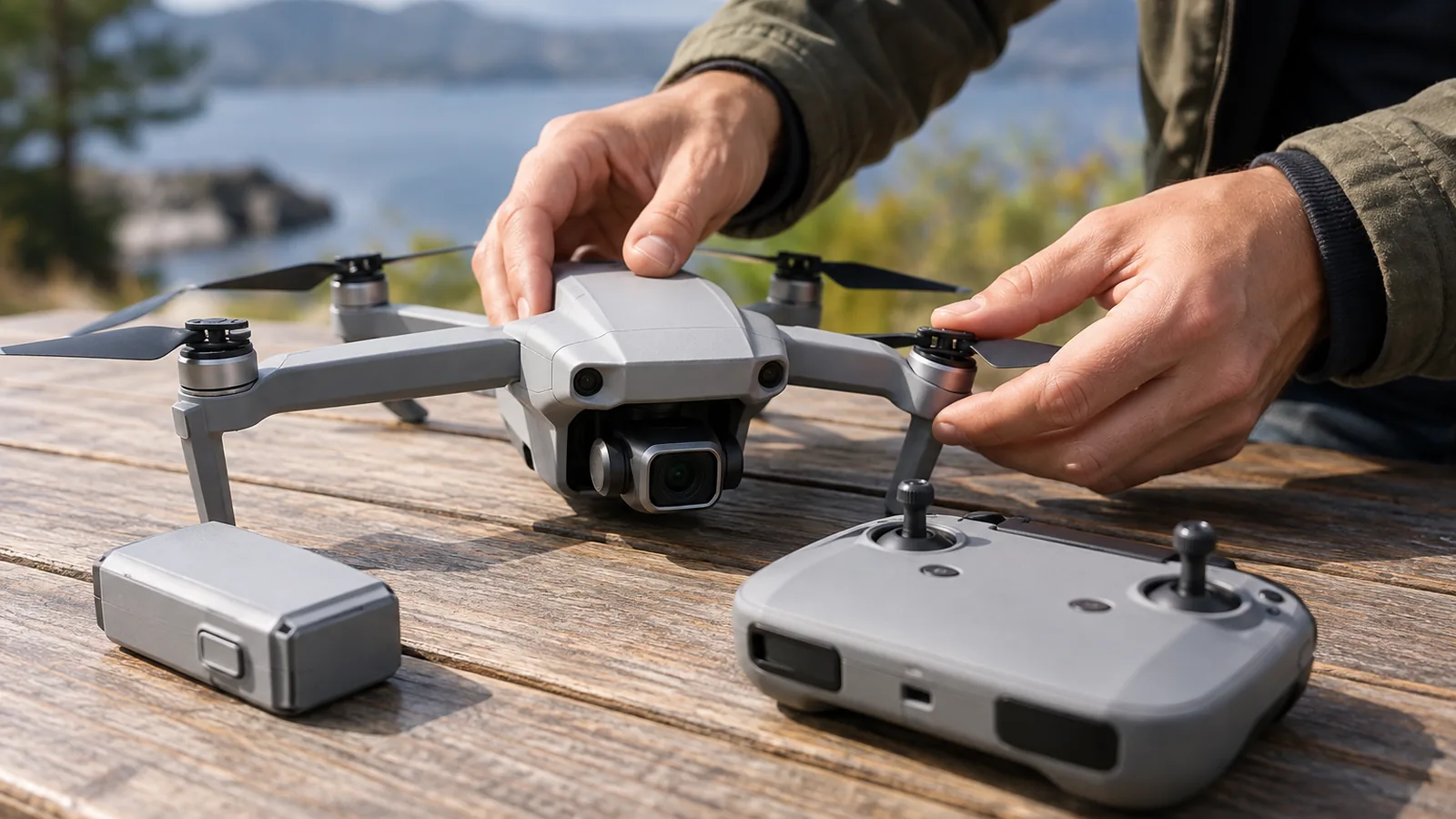
Check the exact battery package, controller, and packed dimensions before buying, because those choices affect flight time, phone fit, and how much gear you’ll carry. Compare the full setup, not just the drone: actual flight time can vary with conditions and use, and the listed package may differ in which accessories it includes.
For batteries, compare the advertised flight time, capacity, compatibility, charging time, and whether the package includes spares or a charging hub. Check the weight trade-off, too: on the DJI Mini 4 Pro, the compatible Plus battery increases flight time but takes the drone over 249 g. Confirm that the battery you want is available in your region, since availability can vary.
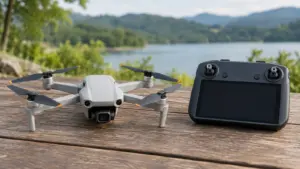
For the controller, first check whether it depends on a phone. If it does, confirm your phone’s dimensions and connector compatibility, then check the controller’s operating and charging times. A controller with a built-in screen avoids relying on a phone, but verify which controller comes in the exact bundle you’re considering.
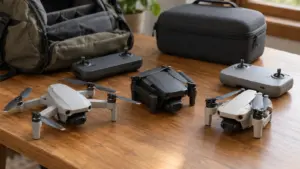
For travel, compare the drone’s folded dimensions and takeoff weight, then allow room for the controller, batteries, charger, and case. On the DJI Mini 4 Pro, the listed folded dimensions exclude the propellers, so check what’s included in the dimensions before comparing it with a bag or case.
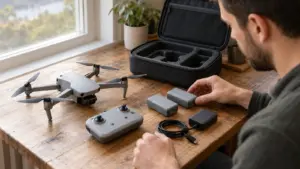
Bundle contents vary, so use the exact package listing rather than assuming accessories shown elsewhere are included.
Compare drone features at a glance
Compare drones by matching each feature to your intended use, then check the details that affect image quality, safe operation, portability, and total flight setup. Use the table to focus your comparison on what the specifications mean in practice.
| Buyer criterion | What to check | Why it matters |
|---|---|---|
| Camera | Sensor size, lens, photo formats, video resolution and frame rates, vertical shooting, color formats, and gimbal stabilization | Megapixels alone don’t establish image quality |
| Obstacle sensing | Which directions are covered and the manufacturer’s operating conditions | Omnidirectional sensing doesn’t guarantee detection of every obstacle |
| Flight time | Advertised time, battery capacity and compatibility, charging time, and included spare batteries or charging hub | Actual flight time can vary with conditions and use |
| Transmission | Test conditions behind the advertised maximum range | An unobstructed, interference-free test figure isn’t a dependable real-world flying distance |
| Travel and carrying | Takeoff weight, folded dimensions, and room for the controller, batteries, charger, and case | The full kit takes more space than the folded drone alone |
| Controller | Supported phone dimensions, connector compatibility, operating time, and charging time for phone-dependent controllers | Check that your phone and controller suit your planned use |
Treat advertised range and flight time as test or stated figures, then check their conditions and battery setup before choosing.
Frequently Asked Questions
Is camera quality or flight time more important when buying a drone?
Choose based on your main use: camera quality matters most for photography or video, while flight time matters more if you need longer stretches in the air. Compare sensor size, lens, video options, and stabilization for camera work; advertised flight time can vary with conditions and use.
What should I check about a drone’s controller before buying?
Check whether the controller needs a phone, then confirm your phone’s size and connector fit, along with the controller’s operating and charging times. If you prefer not to rely on your phone, look for a controller with a built-in screen and verify that it’s included in the exact bundle you plan to buy.
How do I check the rules for flying a drone where I live?
Start with your national aviation authority’s current guidance, then check location-specific airspace and any local takeoff or landing restrictions. In the U.S., use an FAA-approved B4UFLY provider to check airspace, and check FAA LAANC or DroneZone instructions if controlled-airspace authorization is required. Local rules may also apply.
Are replacement batteries and parts easy to find for this drone?
Check the manufacturer’s current regional listings for compatible batteries and parts before buying, and confirm the exact battery model your drone accepts. Availability can vary by region; DJI’s Mini 4 Pro Plus battery, for example, isn’t sold in Europe.
What warranty and repair support should I look for when buying a drone?
Check the warranty terms, repair process, and whether replacement parts and batteries are available where you live before you commit. Confirm what the warranty covers and how to request service in your region, then compare that support with the cost and availability of compatible replacement parts.
Conclusion
Choose the drone that fits the job you’ll do most: prioritize simple controls and recovery for casual flights, camera specifications for image-making, or packed size and weight for travel. If two models still look close, favor the one whose battery, controller, and included accessories fit your routine without adding gear you won’t use.
Before buying, compare the exact bundle and check the rules for the places you plan to fly. Then make your choice based on the features you’ll use often, not the longest specification list.
Sources
- faa.gov (faa.gov)
- Buy Camera Drones – DJI Store (store.dji.com)
- dji.com (dji.com)
- store.dji.com (store.dji.com)
- faa.gov (faa.gov)
- faa.gov (faa.gov)
- faa.gov (faa.gov)
- faa.gov (faa.gov)
- dji.com (dji.com)